
Guides
By Which Ink Fits · Last verified 21 Nov 2026
Four guides. Each one answers a different question, and each one links the manufacturer page it quotes.
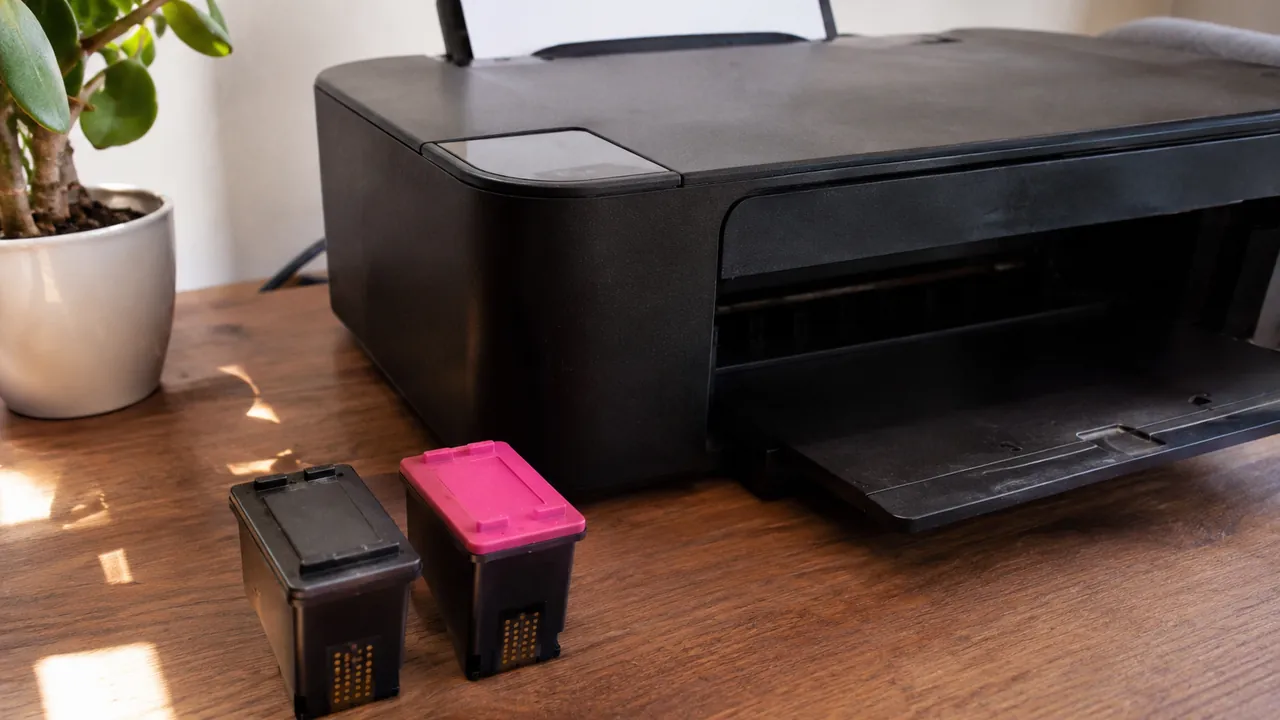
Use them in order. Read the name on the front of the printer, then open that model. If the box says 67 and 67XL, the yield guide has the page counts HP prints for those two sizes, and the DeskJet 2700 hub is where those counts sit for the twelve models that share them. If the number on the cartridge does not match a US listing, the region guide shows the other columns HP prints. If the supply is a bottle or a toner, the ink-or-toner guide says so before you land on a cartridge page.
Find the model number
Where the name sits on the printer, and where the cartridge number sits on the box.
Ink, toner, or bottle?
DeskJet and PIXMA cartridges, LaserJet and Brother toner, EcoTank and MegaTank bottles.
XL vs standard page yields
The published page counts for HP 67, Epson 212, Brother LC406, and Canon PG-243.
HP numbers by country
When the same DeskJet section prints 67 in one column and 305 or 805 in another.
Frequently asked questions
Which guide should I open first?
If the printer is in front of you, start with the model number guide, then open that model. If you already know the cartridge number and you are choosing a standard or an XL, open the yield guide.
Do the guides list third party ink?
No. A number appears on this site only when HP, Canon, Epson, or Brother prints it. The guides quote those pages and do not add a compatible chart from a store.